
PRO
Parts & Service Pro AI
Parts, work orders, diagnostics, and a shop website. Vehicle listings and the listings bill of sale are turned off. This install is one shop.
Five key features
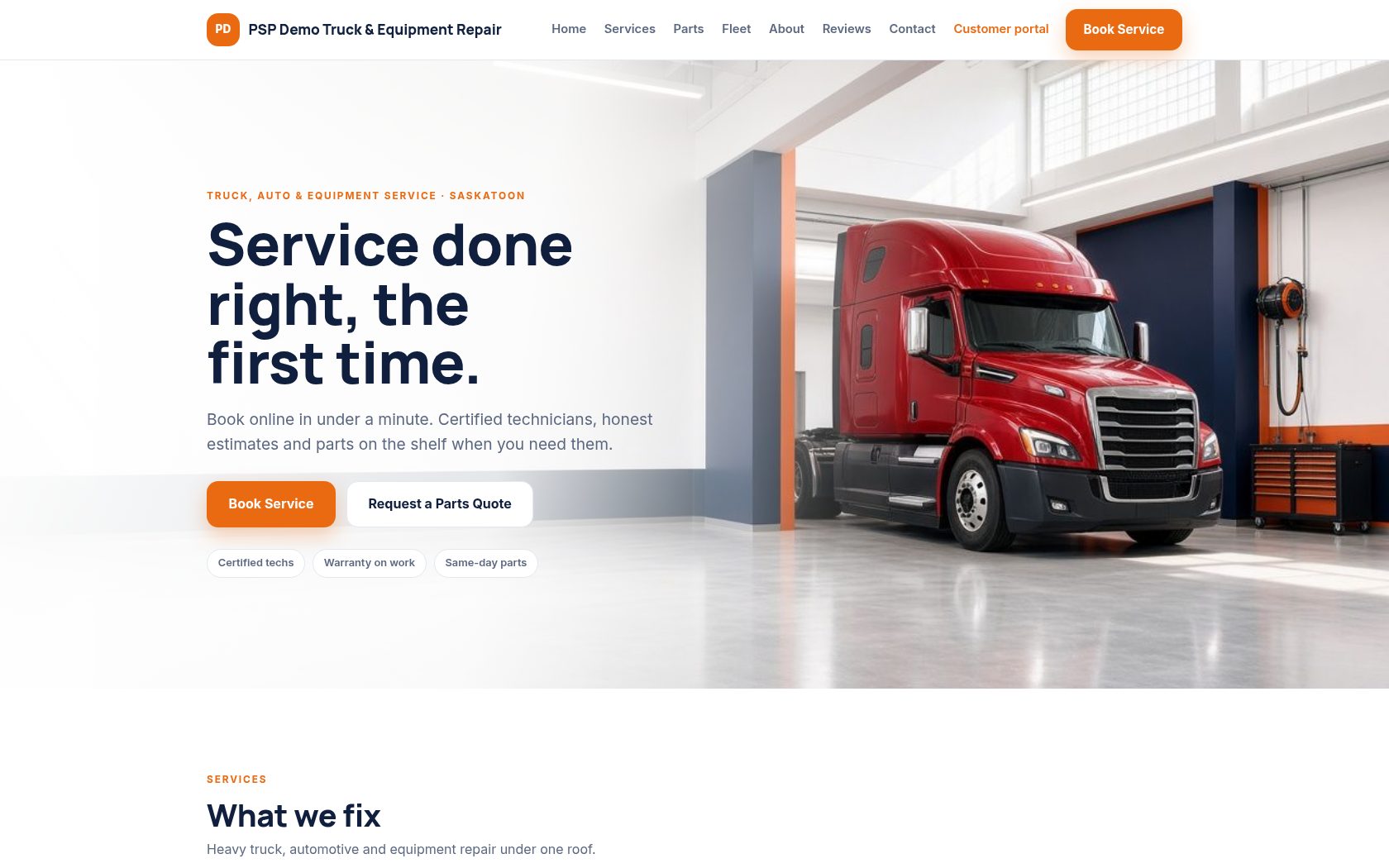
Shop website
The shop website is a public site for that shop. This example is the PSP demo shop.
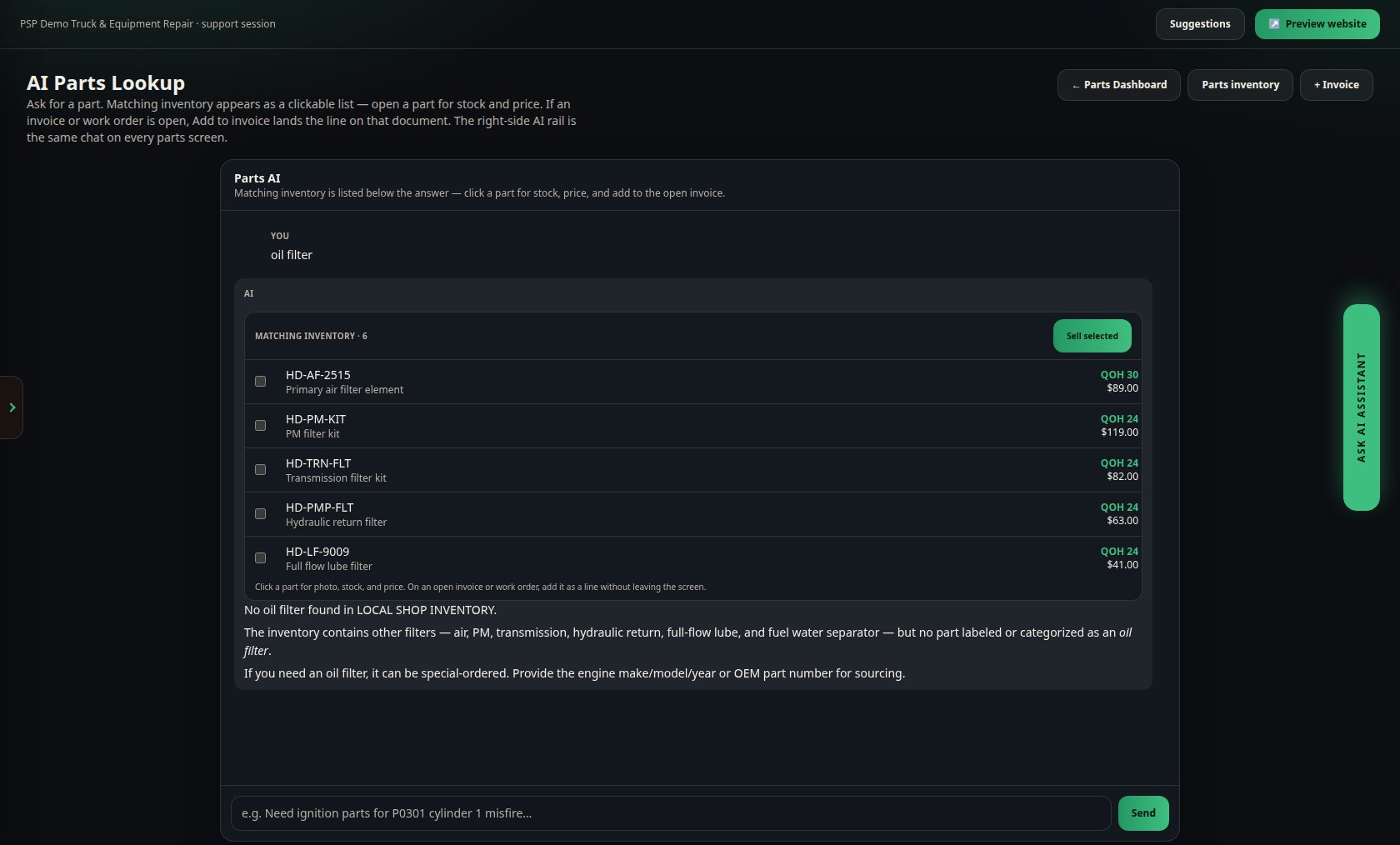
Parts inventory with AI lookup
The parts assistant takes a part question and lists matching inventory. Adding a line to an invoice is a separate action and is not shown here.
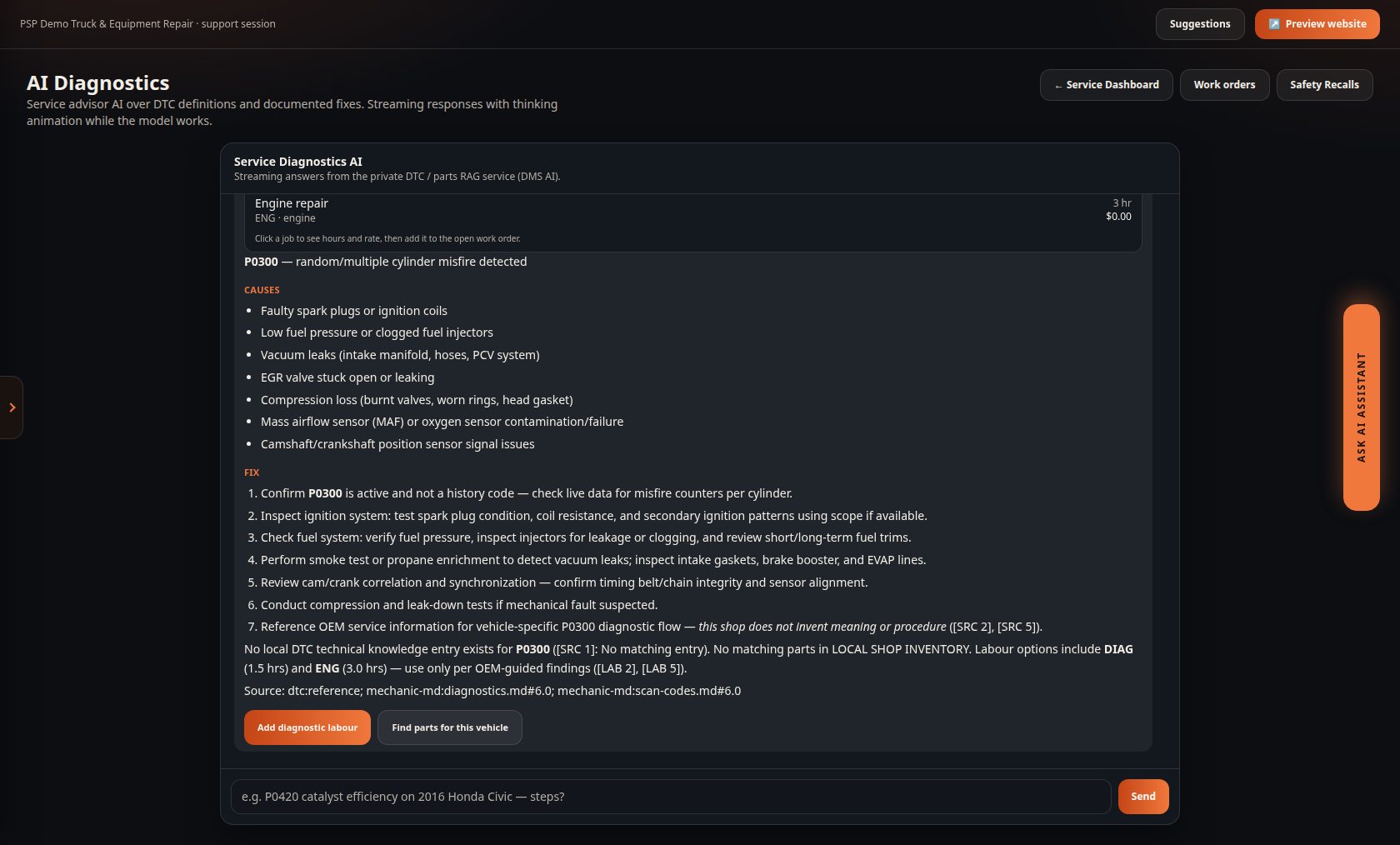
Diagnostic lookup
Diagnostics answers a code search. This screen shows P0300. The search does not save a work order.
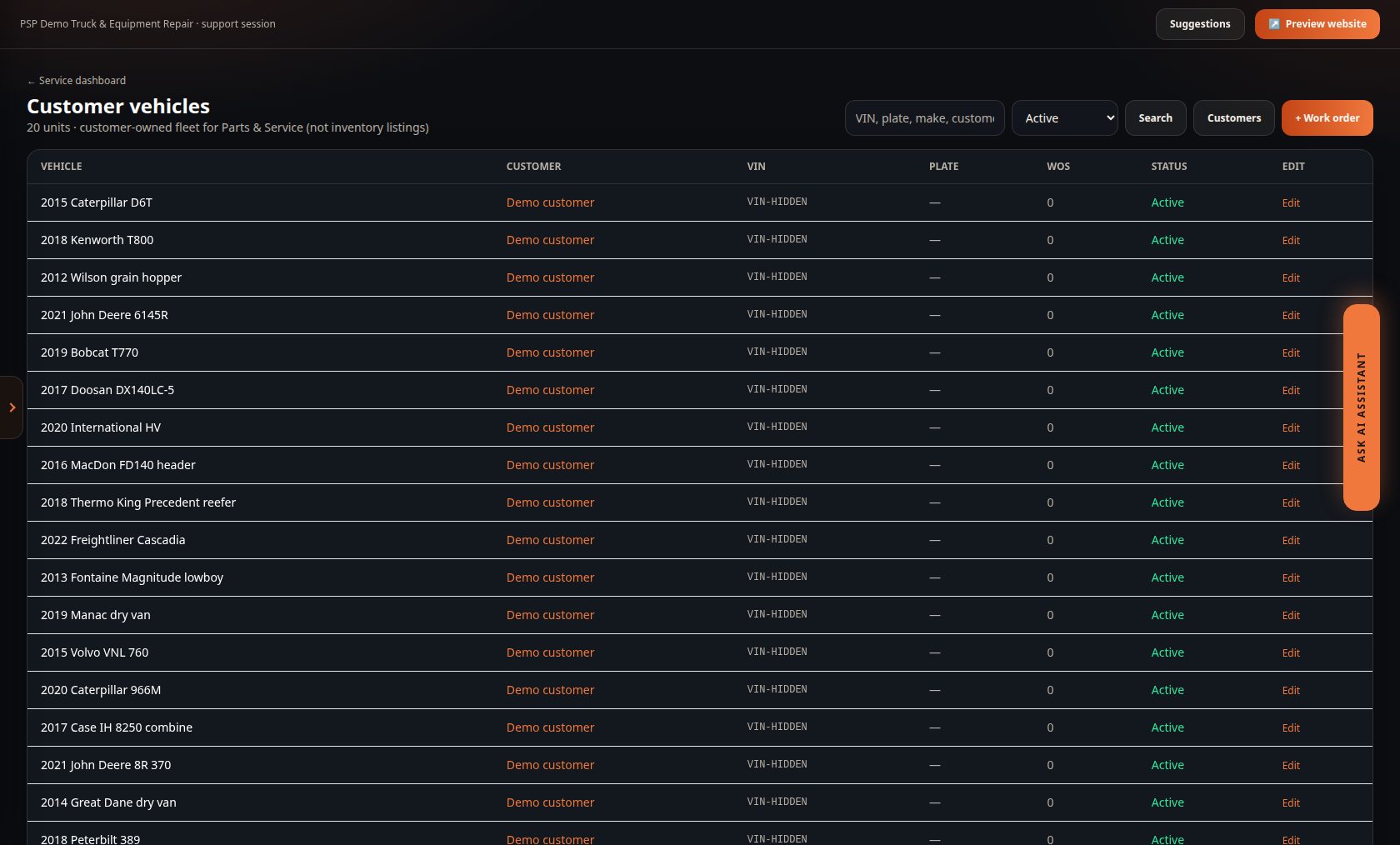
Vehicle record
Listings and bill of sale are off, so this is the shop's customer vehicle list. Names and VINs on this capture are hidden.
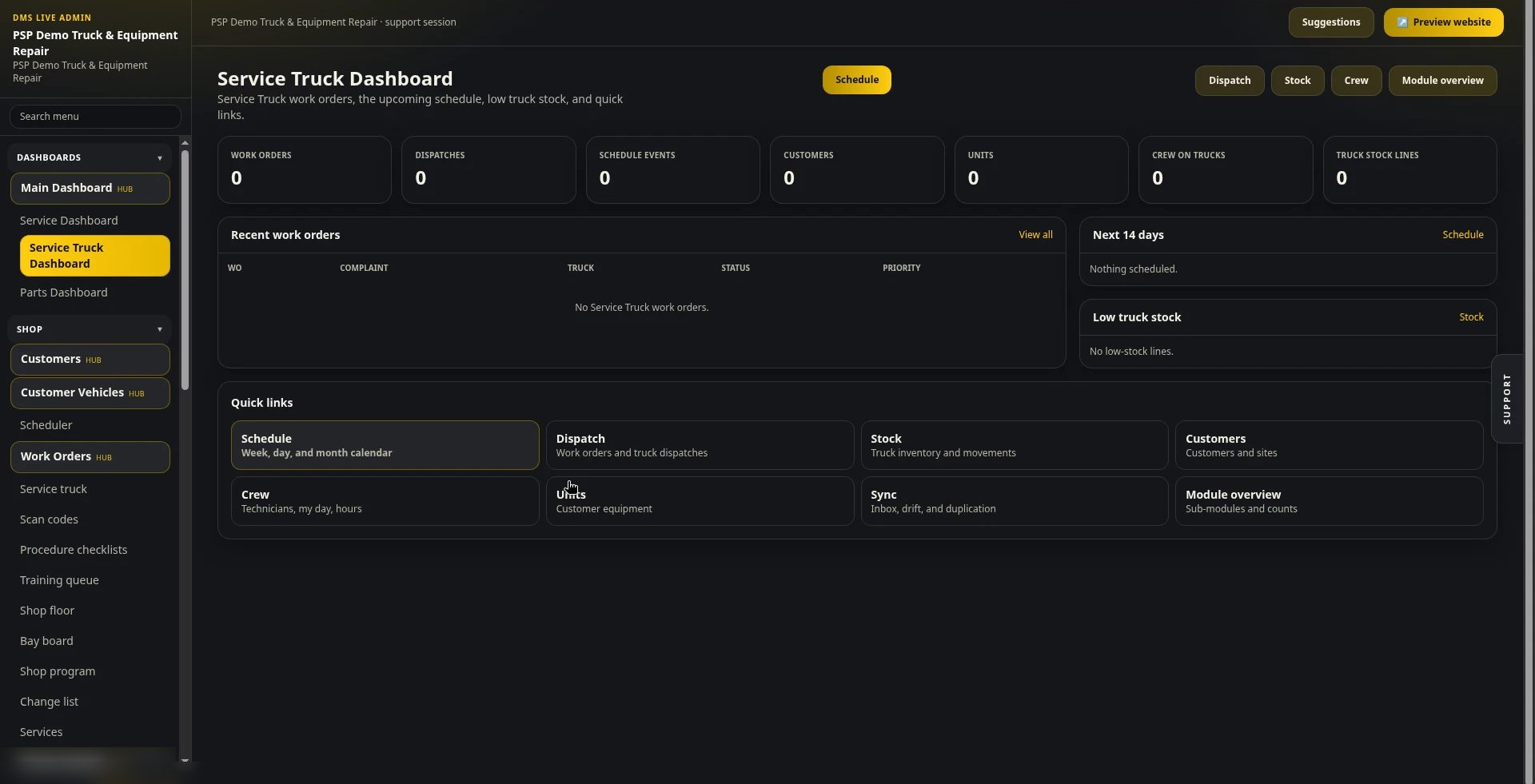
Service Truck dashboard
The Service Truck dashboard shows that module's work orders, schedule, stock, customers, units, and crew. It is the shop's mobile-service view.
Also in the product
- Customers, vehicles, scheduler, work orders, approvals, and e-sign.
- Parts, cycle counts, purchase orders, vendors, and rentals.
- Inquiries from the shop website, financing requests, and reminders.
- Customer portal with email and password, plus a token link.
- Form Builder, sales forms, catalogs, tax, and QuickBooks Online.
- Service truck stock, dispatch, crew, and units. Shop quantity on hand is not changed by the module.
Plans
CAD per month. The first figure is the founding-shop price. USD figures in the product are placeholders, so they are not listed.
First 5 shops: 50% off the monthly price and a flat CA$250 setup. AI usage fees are billed separately, over and above the subscription.
Plan names match the live catalogue. A shop admin signs in at partsandservicepro.com.